Digital family book

Every story starts with someone.

Tell us a little about them. You can skip most questions and come back to your draft whenever you’re ready.
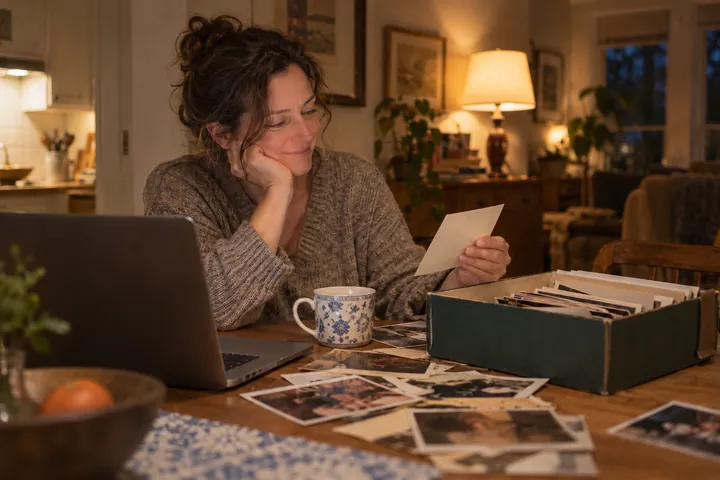
A woman smiling at an old photo from a box of family pictures beside her laptop
The little things are the big things.
A little help along the way?
Read our story guide ↗
Step 1 of 8 Basic Information
1

About your person

Start with the person at the center of your story.

For a family story, start with one person. A death year is only used for a memorial.

The name everyone knew them by
Used when writing about this person.
2

Family & friends

Tell us about the important people in their life.

These fields are optional. Every detail helps tell your story.
Skip this step →
3

Work & life

Their professional life, achievements, and values.

All optional. Bullet points or short phrases work great here.
One per line, or write freely
Skip this step →
4

Personality

What made them truly unique?

Skip this step →
5

Passions & favorites

The things that made them smile.

Skip this step →
6

Memories

The moments and words that stay with you.

This section is optional but really helps us craft something personal. Even a few lines make a big difference.
This appears at the end of your digital family book.
Skip this step →
7

Photos

Add the photos you want in your book. The first photo is your cover unless you pick another when you review it.

Add the photos you would like in your book. The first photo is your cover unless you pick another when you review your book; remove any you do not want to include. Add a short caption and an approximate date to each photo: they are printed beneath it in your book, in your own words.

Upload photos

Up to 20 JPEG, PNG or WebP photos, 5 MB each.

Skip this step →
8

Review & permissions

Check your details and permissions before requesting a preview.

Your selected format

Product Family book
Printed hardcover + PDF $49 + shipping
PDF only $9.99

Choose the printed book or the PDF after you approve the preview. Review your book before checkout. Your form draft stays in this tab; photos must be reselected after a reload.

Preview before ordering